
Why your recordings are MKV
MKV (Matroska) is a popular recording format because it’s forgiving. If OBS or your PC crashes mid-recording, an MKV file is still playable up to the point it stopped, while a plain MP4 can be left unreadable. That’s why many people record to MKV and only convert later.
The catch is that many websites and editors want MP4, so the usual advice is to remux first. You can skip that step here. Simple GIF Maker reads MKV directly, whether it holds H.264, HEVC, AV1 or VP9 video.
An MKV can also carry several audio tracks (game, mic, Discord) and subtitles. A GIF can’t hold any of that, so Simple GIF Maker uses the video and ignores the rest.
From OBS recording to GIF
- Find the recording. In OBS, use File › Show Recordings to open the folder.
- Open it in Simple GIF Maker. Drag the
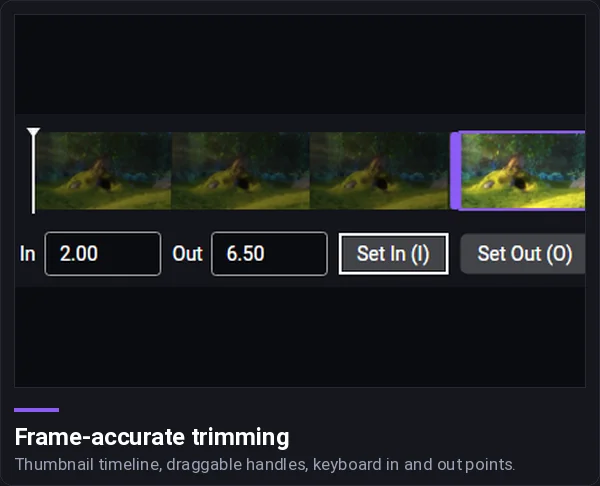
.mkvonto the window. - Find the moment fast. Scrub the thumbnail timeline, then use Shift+arrow to jump a second and the arrow keys to step a frame. Mark it with I and O.
- Crop out the overlay. Webcam boxes, alerts and chat overlays waste space in a GIF. Crop to the action.
- Pick a size target and export. Discord – 10 MB is a good default for sharing. The app finds the best settings that fit and shows you what it traded.
60 fps recordings and GIF frame rates
Most game captures are 60 fps, but a GIF can’t really play that fast. GIF stores each frame’s delay in hundredths of a second, and browsers slow down frames shorter than two hundredths to a tenth of a second. That’s why Simple GIF Maker caps GIF at 50 fps: anything faster would play slower, not smoother.
You rarely want 50 fps anyway. Every extra frame costs file size, and 20–25 fps looks smooth for most gameplay. If you want slow motion, set Speed to 0.5× or 0.25×. A high-framerate recording has more real frames to draw from, so the slow motion stays smooth.
Frequently asked questions
Do I need to remux my MKV to MP4 first?
No. Simple GIF Maker opens MKV files directly.
My MKV has several audio tracks. Is that a problem?
No. GIF and animated WebP can’t hold audio, so the audio tracks are ignored and only the video is converted.
Why can't I export a 60 fps GIF?
GIF frame delays are counted in hundredths of a second, and browsers slow down very short delays. Above 50 fps the GIF would play slower than intended, so Simple GIF Maker stops at 50.