
Shrinking a GIF you already have
Simple GIF Maker opens GIF files as well as video. Drop in the GIF, choose a size target, and export. It rebuilds the GIF from its frames with a fresh palette, searching for the best-looking settings that fit.
Start from the video if you can. A GIF has already been cut down to 256 colors per frame, and re-encoding can’t bring back what was lost. If you still have the original video, make the new GIF from that.
The levers, from cheapest to most noticeable
1. Trim the length
Size grows directly with the number of frames, so cutting a lead-in or a slow ending is the cheapest saving there is. A six-second GIF trimmed to four is about a third smaller, and nothing anyone cared about is gone.
2. Crop
Borders, black bars, toolbars and empty background all cost bytes. Cropping to what matters often saves more than shrinking, because the detail you keep stays full size.
3. Reduce the width
Pixels scale with the square of the width: going from 960 to 480 px wide leaves a quarter of the pixels. Most GIFs are seen small, in a chat or a feed, so 480 px is plenty for reactions. Keep screen recordings larger so text stays readable.
4. Lower the frame rate
Going from 30 to 15 fps halves the frames. For most video, 15 fps still reads as smooth motion. Screen recordings are fine at 10–12 fps, because interfaces change in steps rather than continuously.
5. Use fewer colors
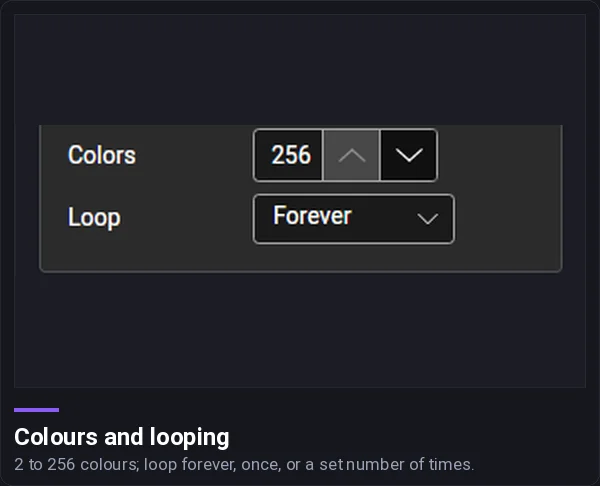
A GIF palette holds up to 256 colors. Dropping to 128 or 64 shrinks the file, and for cartoons, UI and flat graphics you may not see a difference. Photographic footage with skies, skin or gradients starts to band.
6. Change dithering and palette mode
Dithering mixes palette colors in patterns to fake the ones that are missing. It makes gradients look smooth, but that pattern is noise, and noise compresses badly. The choices, roughly from biggest to smallest file:
- Sierra or Floyd–Steinberg (error diffusion): the smoothest gradients and the largest files.
- Bayer (ordered): a regular pattern that compresses better, with a visible cross-hatch. The pattern scale is adjustable.
- None: the smallest and crispest for flat graphics, but gradients band.
Palette mode matters too. One shared palette for the whole GIF is smaller than a new palette per scene, and per-frame palettes are the largest and best-looking.
7. Switch to animated WebP
If where you’re posting accepts it, animated WebP is the biggest saving of all. In our test the same clip was 1.57 MB as a GIF and 176 KB as WebP, and the WebP was full color. See the comparison.
Let the app choose
Balancing all of that by hand is slow. Simple GIF Maker’s size target does it for you: name a limit and it searches width, frame rate and colors (quality, for WebP) by encoding and measuring real files, then reports what it picked. Tick Keep resolution, Keep fps or Keep colors to protect what you care about.
1920 → 794px wide, 15 → 10 fps, 256 → 64 colors → 7.63 MB (target 8.00 MB)
Frequently asked questions
Can I compress a GIF without losing quality?
Only a little. Trimming and cropping lose no quality in what remains. Beyond that, every saving trades size against detail, smoothness or color. A size target finds the trade that looks best for your limit.
Why did my GIF get bigger after I re-encoded it?
Usually dithering. If the original had little or no dithering and the new one adds a pattern, the extra noise compresses worse. Try Bayer or no dithering and a single palette, or set a size target.
What's a good size for a GIF?
It depends on where it’s going. Under 10 MB for Discord and GitHub, and under 256 KB for Discord emoji. For a website, the smaller the better, and animated WebP or video is often a better fit there.
Does Simple GIF Maker do lossy GIF compression?
No. It reduces size through resolution, frame rate, colors, dithering and palette choices, and with animated WebP export.