
How the showcases are laid out
These numbers come from the styles of Steam’s profile page as of November 2026. Valve can change the layout at any time, so if a showcase stops lining up, that’s the first thing to suspect.
- Artwork Showcase: a large image 506 px wide and a narrow one 100 px wide beside it. On a 630 px canvas they sit at x = 1 and x = 529, so cutting the picture there makes the two files read as one.
- Featured Artwork Showcase: a single image, 630 px wide.
- Workshop Showcase: a row of tiles, each shown in a 150×150 square. Steam letterboxes anything that isn’t square, so a tall strip won’t show at full height. The way to make the row read as one picture is five square tiles from a 750×150 canvas.
Steam caps artwork uploads at 5 MiB. The presets aim each file at 5,000,000 bytes to leave a little room.
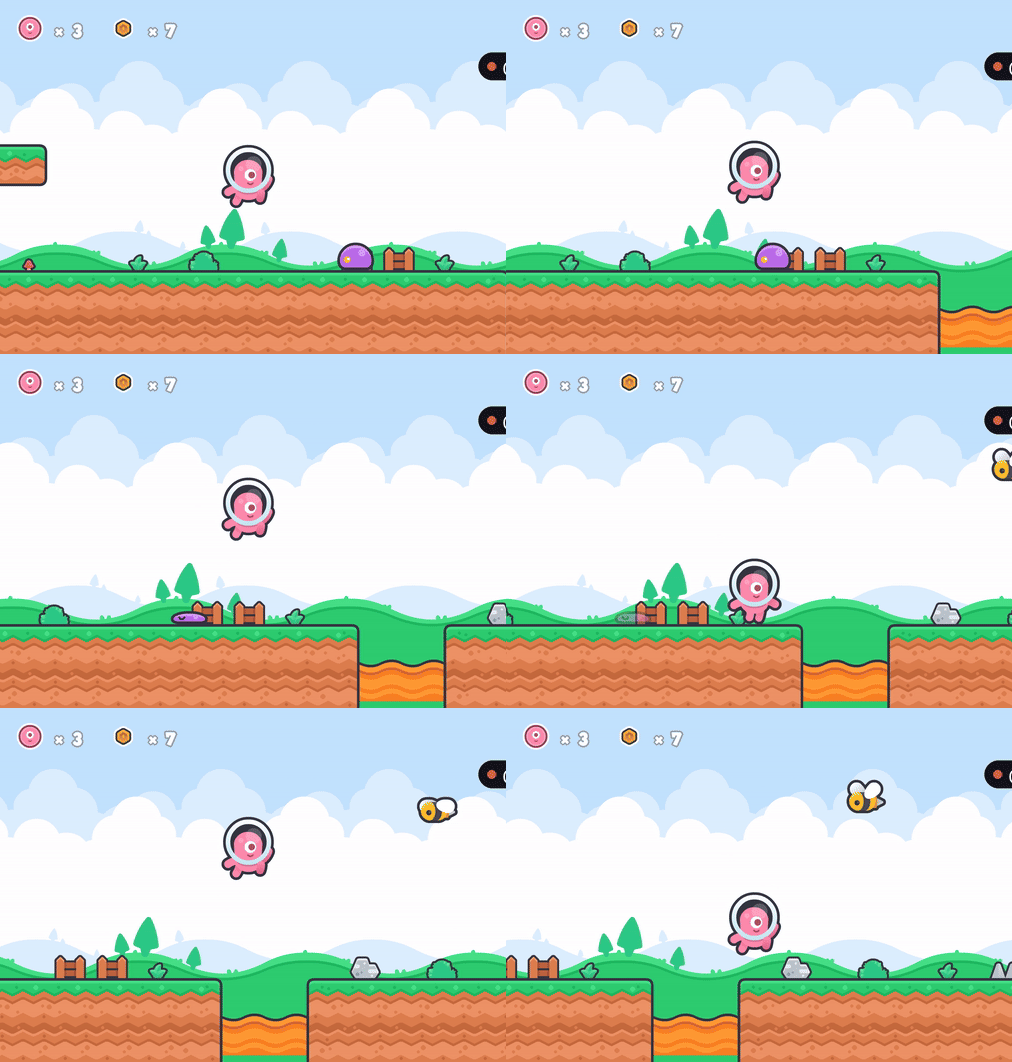

showcase_1.gif (506 px, 1.09 MB) and showcase_2.gif (100 px, 249 KB), shown with roughly the gap Steam leaves between the two slots. Both are well under the 5 MB limit, so the app changed nothing.The Steam presets
| Make for preset | Output | Files |
|---|---|---|
| Steam artwork showcase (2 files) | GIF, 630 px canvas | name_1.gif (506 px) and name_2.gif (100 px), each under 5 MB |
| Steam workshop showcase (5 files) | GIF, 750×150 canvas | name_1.gif to name_5.gif, 150×150 each, each under 5 MB |
| Steam featured artwork | GIF, 630 px wide | One file under 5 MB |
| Steam store page | Animated WebP, 1170 px wide, 30 fps | One file, up to 12 seconds, for developers’ store page descriptions |
Make an artwork showcase
- Open the clip and trim it to a loop. A few seconds is plenty, and five megabytes per file goes faster than you’d think at 506 px.
- Choose Steam artwork showcase (2 files) under Make for. The line under it says it will write two files, each up to 5 MB.
- Crop for the shape you want. The width is fixed at 630 px; the crop decides the height. Keep anything important out of the narrow gap between the two images (about 20 px), because that strip is cut away.
- Check the GIF preview, which shows the whole canvas before it’s cut.
- Export to, say,
profile.gif. You getprofile_1.gifandprofile_2.gif. The widest file is fitted under the limit first, and the other is encoded with the same settings, so both have the same frame rate and length.
Then upload both files to your Steam profile as artwork, and choose them for the Artwork Showcase when you edit your profile, the 506 px file first and the 100 px file beside it.
Make a workshop showcase
Choose Steam workshop showcase (5 files), frame the clip in the wide 5:1 crop, and export. You get five 150×150 GIFs, numbered left to right. Upload them in that order to the five slots of the showcase.
Tips
- Loop it. A profile animation plays forever. Seamless loop (crossfade) or Boomerang (forward, then back) in Loop and frames hides the jump back to the start.
- Mind the gap. Faces and text that cross the cut between files look broken. Frame the main subject inside the large image.
- Add text with Text and captions if you want a name or a quote across the picture. It’s drawn on the canvas before the cut, so it lines up across the files.
Frequently asked questions
Does it make "long" Steam artwork?
No. Some guides edit a byte inside the uploaded file so Steam shows it taller than usual. Simple GIF Maker doesn't edit files that way: its showcase presets make ordinary GIFs at the sizes Steam displays.
Why is each file limited to 5 MB?
Steam limits artwork uploads to 5 MiB (5,242,880 bytes). The presets aim at 5,000,000 bytes so every file fits, however the limit is counted.
Will the files play in sync?
They have the same frame rate and length. Each GIF starts playing as the browser loads it, though, so on a slow connection one can start a moment after the other.
Can I use animated WebP on my Steam profile?
The profile showcase presets export GIF, and we haven't confirmed that Steam profiles accept animated WebP. The Steam store page preset, meant for developers' store pages, is the one that exports WebP.
Do the workshop tiles show at full height?
No. Steam shows each workshop tile in a 150×150 square and letterboxes anything else, which is why the preset makes square tiles.